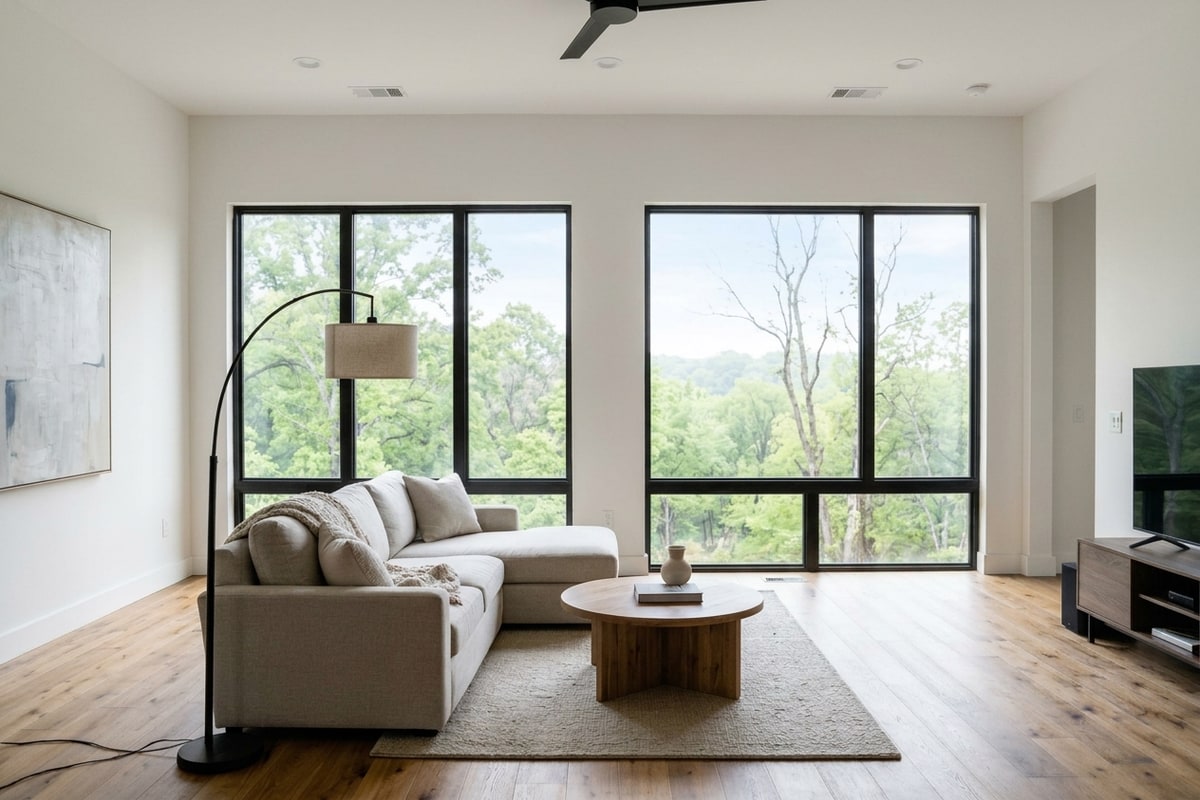
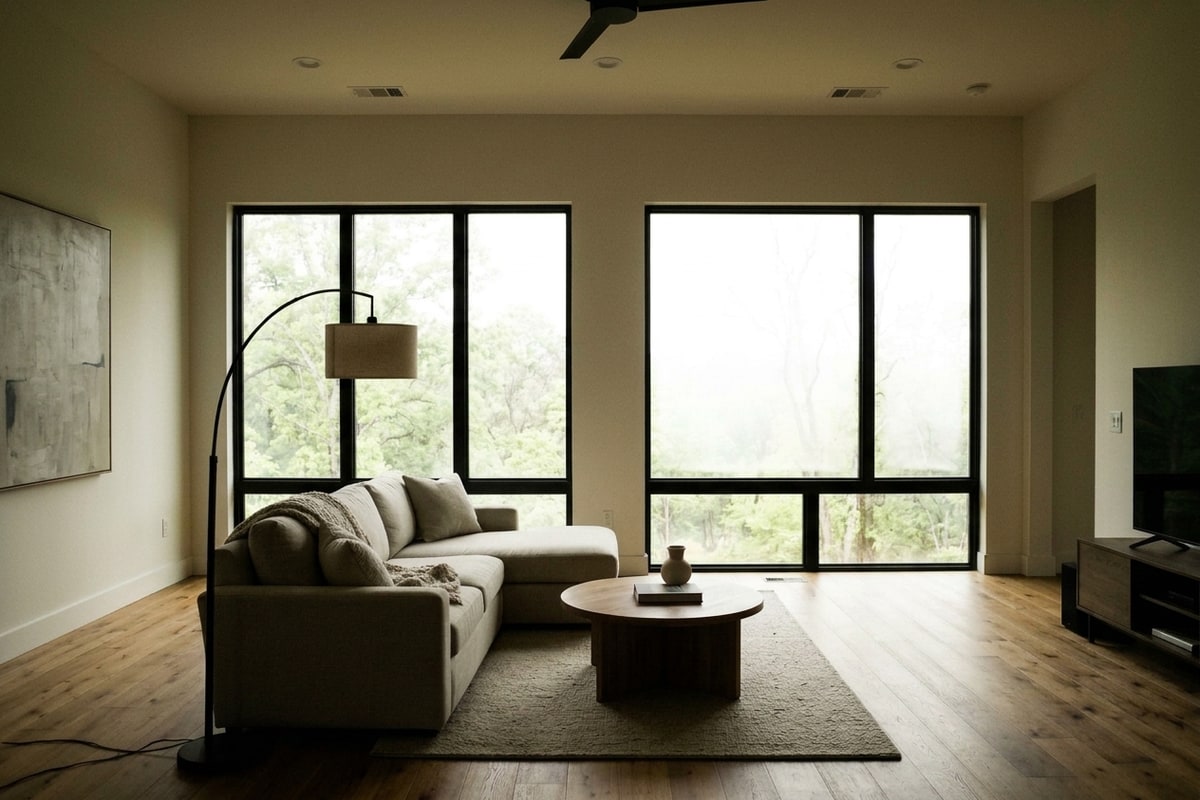
Photo Enhancement & HDR
Lifts dim interior shadows, recovers blown-out window views, corrects yellow color casts, and sharpens architectural detail while keeping every surface authentic.
Real Estate Photo Workbench · Updated Nov 29, 2026
Brighten dim interiors, pull crisp window views, declutter countertops, swap gray skies, render warm twilight hero shots, or stage vacant rooms — without changing a single wall, window, or floorboard.
Quick summary: Upload JPG, PNG, WebP, or HEIC property photos in your browser with zero account required. Edits finish in ~25–35 seconds, start with 1 free daily preview, cost $0.98–$1.80 per 2K photo on one-time packs (2-year credit validity), and export with optional MLS disclosure labels plus your original photo.
1. Choose editing tool
2. Upload listing photo
or drag & drop JPG, PNG, WebP, or HEIC up to 16 MB · No sign-up required
Standard lighting & color correction — typically needs no alteration disclosure. Read MLS guidelines
Proof Sheet
Every output keeps your original aspect ratio, architectural walls, windows, and rooflines intact — drag any comparison below.
Lifts dim interior shadows, recovers blown-out window views, corrects yellow color casts, and sharpens architectural detail while keeping every surface authentic.
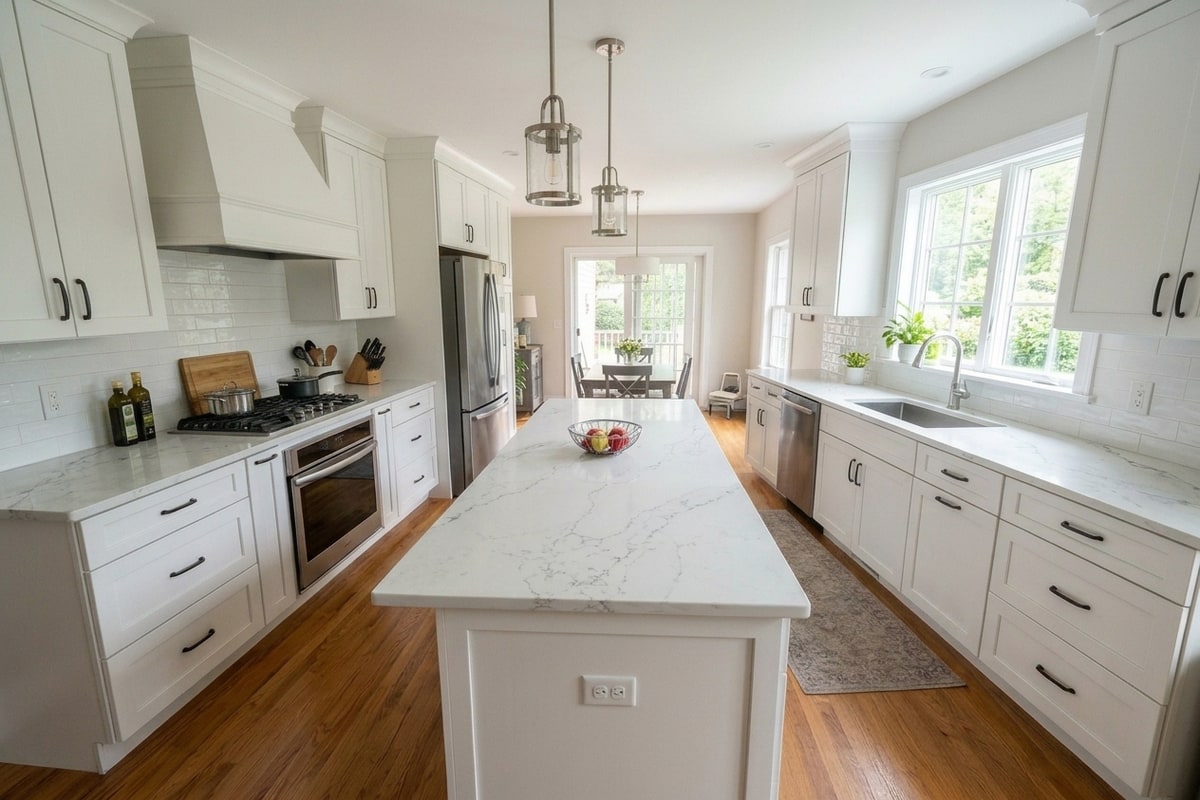
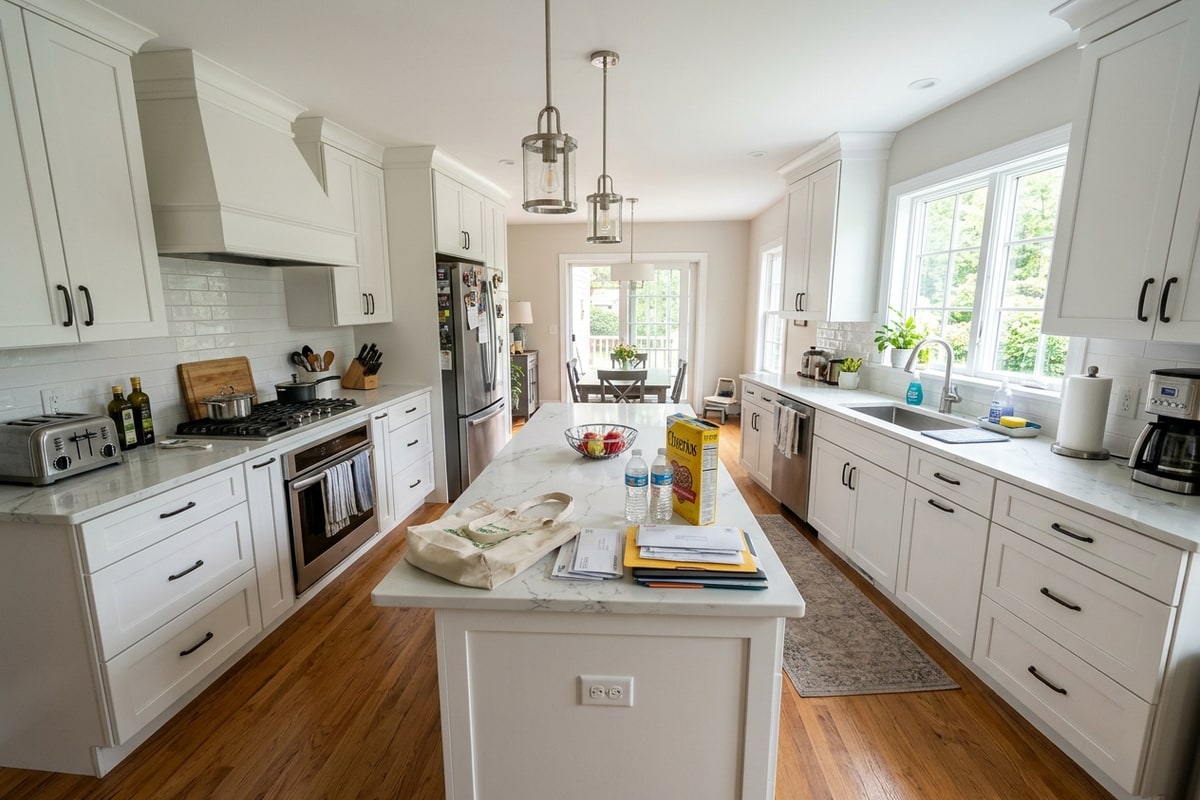
Erases temporary countertop items, stray cables, laundry, toiletries, and fridge clutter while preserving main furniture, flooring, and room geometry.
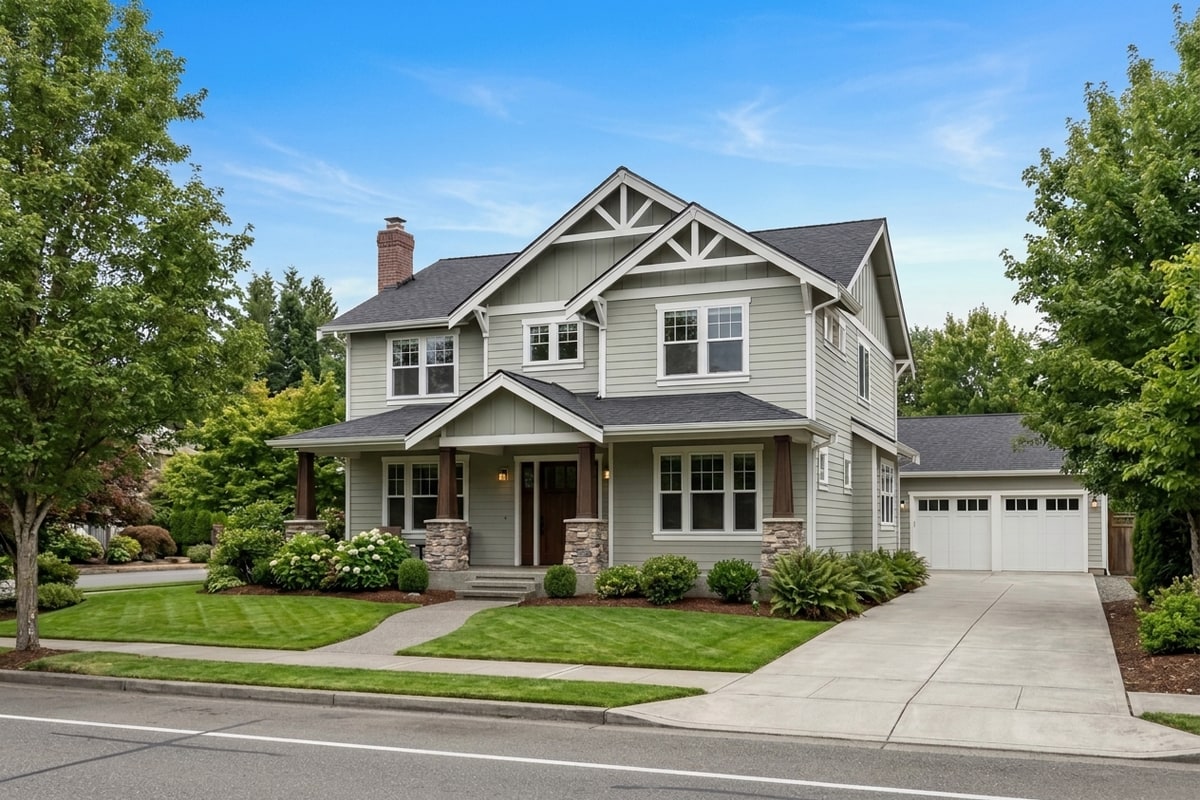
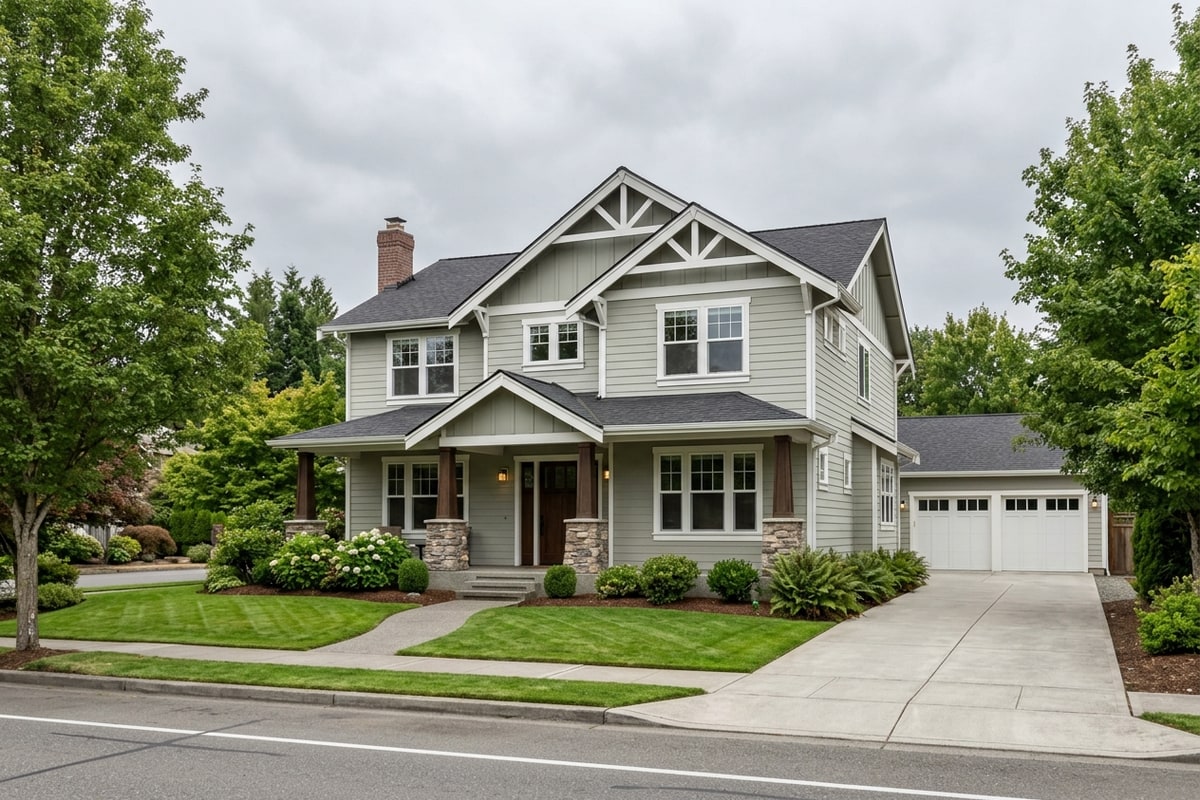
Swaps dull overcast skies for natural clear blue daylight and soft clouds without altering rooflines, trees, siding, or neighborhood context.
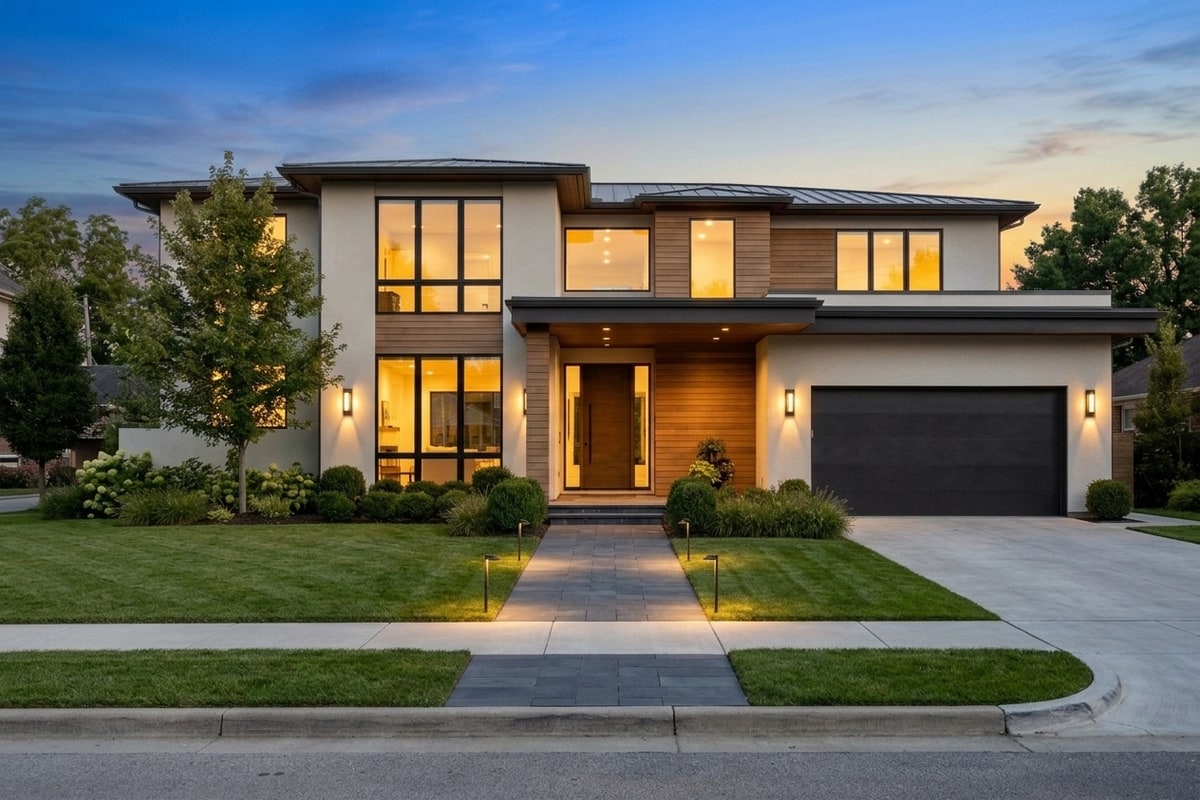
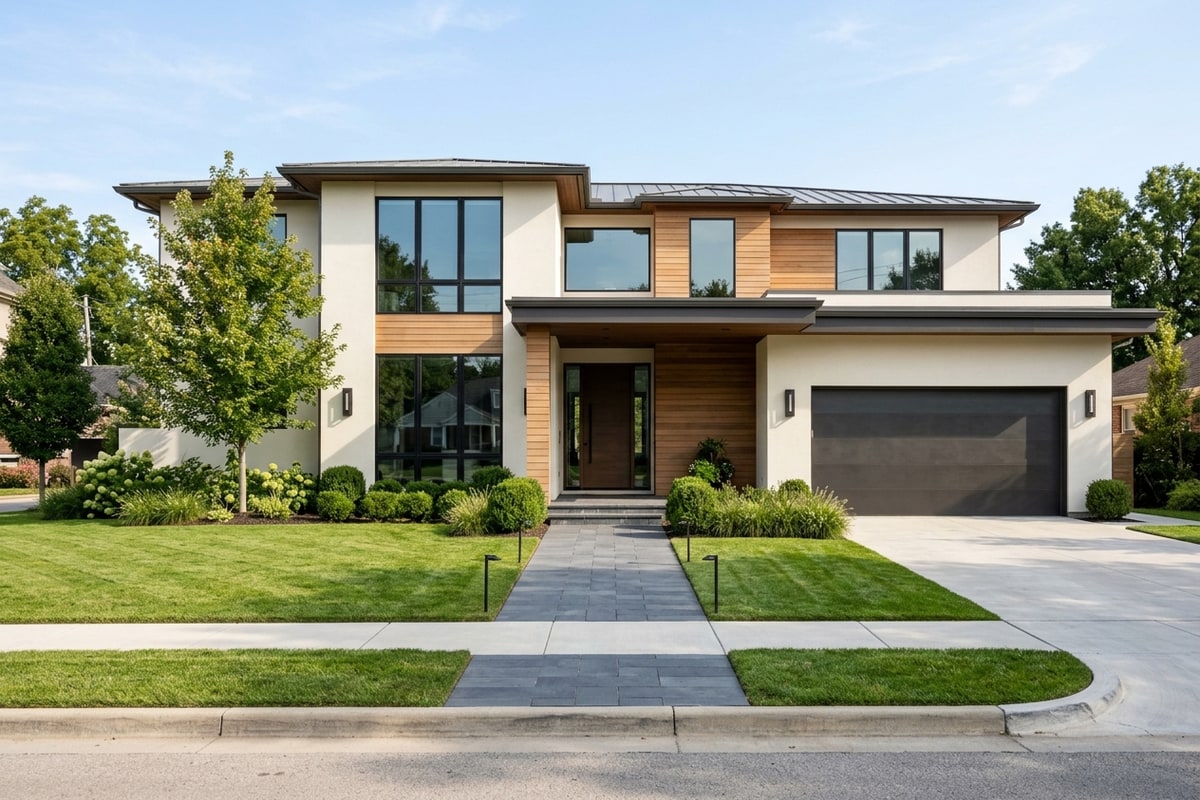
Converts bright afternoon exterior shots into golden-blue dusk photography with warm 2700K interior window glow and subtle walkway lighting.
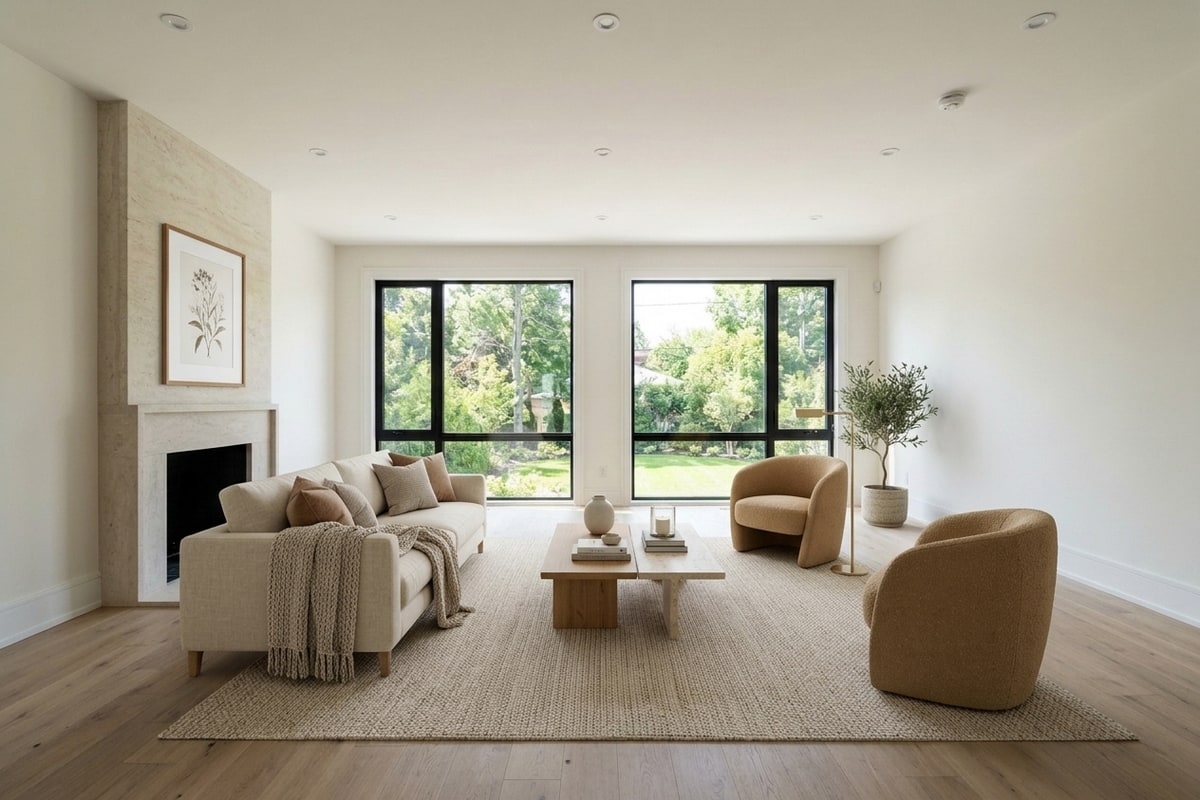
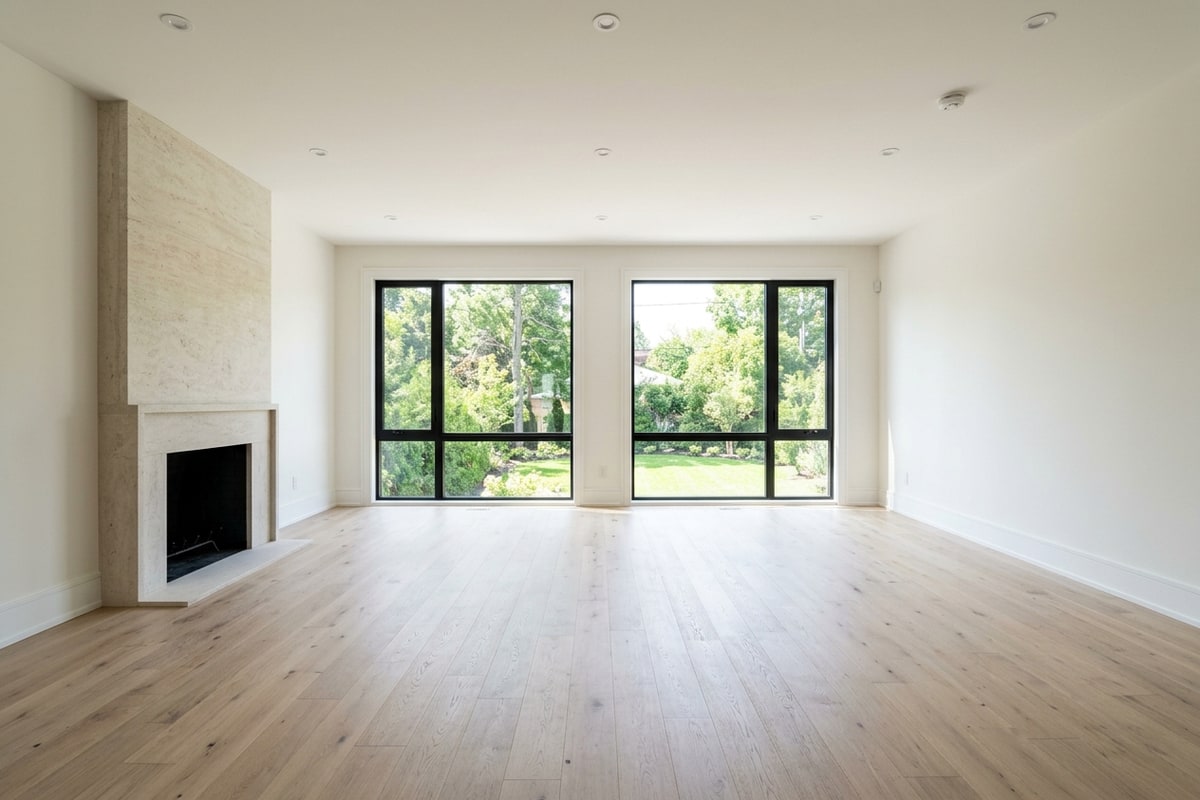
Places realistic scale-accurate residential furniture and decor inside vacant rooms while strictly preserving walls, floors, windows, and fixtures.
MLS & Fair Housing Safety
Homebuyers and MLS boards penalize deceptive “housefishing” edits. Our prompts lock structural geometry and permanent property features, and every materially edited download gives you both a clean file and a disclosure-labeled export alongside your original photo.
Speed & Pricing Benchmark · As of Nov 2026
| Service | Turnaround | Typical Cost | Billing Model | Primary Coverage |
|---|---|---|---|---|
| Listing Photo Editing | ~25–35 sec | $0.98–$1.80 / photo | Pay-as-you-go (2-yr credits) | HDR, Declutter, Sky, Twilight, Staging + MLS badge & original export |
| BoxBrownie | 24–48 hours | $1.60 HDR · $4+ Twilight · $24 Staging | Per order (human retouch) | Manual real estate retouching & 3D virtual staging |
| PhotoUp | 12–24 hours | ~$1.15–$1.50/credit · $5–$30 Staging | Monthly credit plan / order | Human editing queues & dedicated editor plans |
| Autoenhance.ai / AutoHDR | Instant (~30 sec) | ~$29–$99+/mo tiers | Monthly subscription | Automated HDR enhancement & sky replacement focus |
| VirtualStagingAI | Instant (~30 sec) | $16–$69+/mo plans | Monthly subscription | AI room staging focus (fewer general HDR/declutter tools) |
Based on published US pricing pages as of November 2026; per-image rates on human or subscription tools vary by tier, rush fees, and volume. Credits on Listing Photo Editing never incur idle monthly fees and remain valid for 2 years across all 5 tools.
Simple Credit Packs
Start with a free watermarked proof. Unlock any single photo or buy a credit pack for an entire listing gallery.
Great for a single room or hero shots
Full home gallery · 1 credit per edit
Multi-listing & brokerage value
Every visitor gets 1 free watermarked proof preview per day with no account required. One-time credit packs cost $9 for 5 HD edits ($1.80/photo), $25 for 20 edits ($1.25/photo), and $59 for 60 edits ($0.98/photo) with 2-year validity and no subscription — versus $1.60–$24 per photo at outsourced services like BoxBrownie or PhotoUp, or $29+/month subscriptions.
No. All 5 modes include strict architectural preservation rules so walls, ceilings, flooring, window frames, rooflines, and camera perspective stay intact. You can inspect the Before/After slider on every result before downloading.
Standard lighting and color enhancement usually requires no disclosure. Material edits (virtual staging, decluttering, virtual twilight, and sky replacement) should be disclosed according to your local MLS and state rules (such as California AB 723). On unlocked results, we provide a 1-click MLS-labeled download and a 1-click Original Photo download.
Upload JPG, PNG, WebP, or HEIC photos up to 16 MB directly from Safari or Chrome on phone or desktop. Results preserve your photo's original orientation and aspect ratio up to 2K resolution.
EXIF and GPS location tags are stripped immediately on upload. Your photos remain private to your browser session, are never used to train AI models, and are automatically deleted after 30 days.